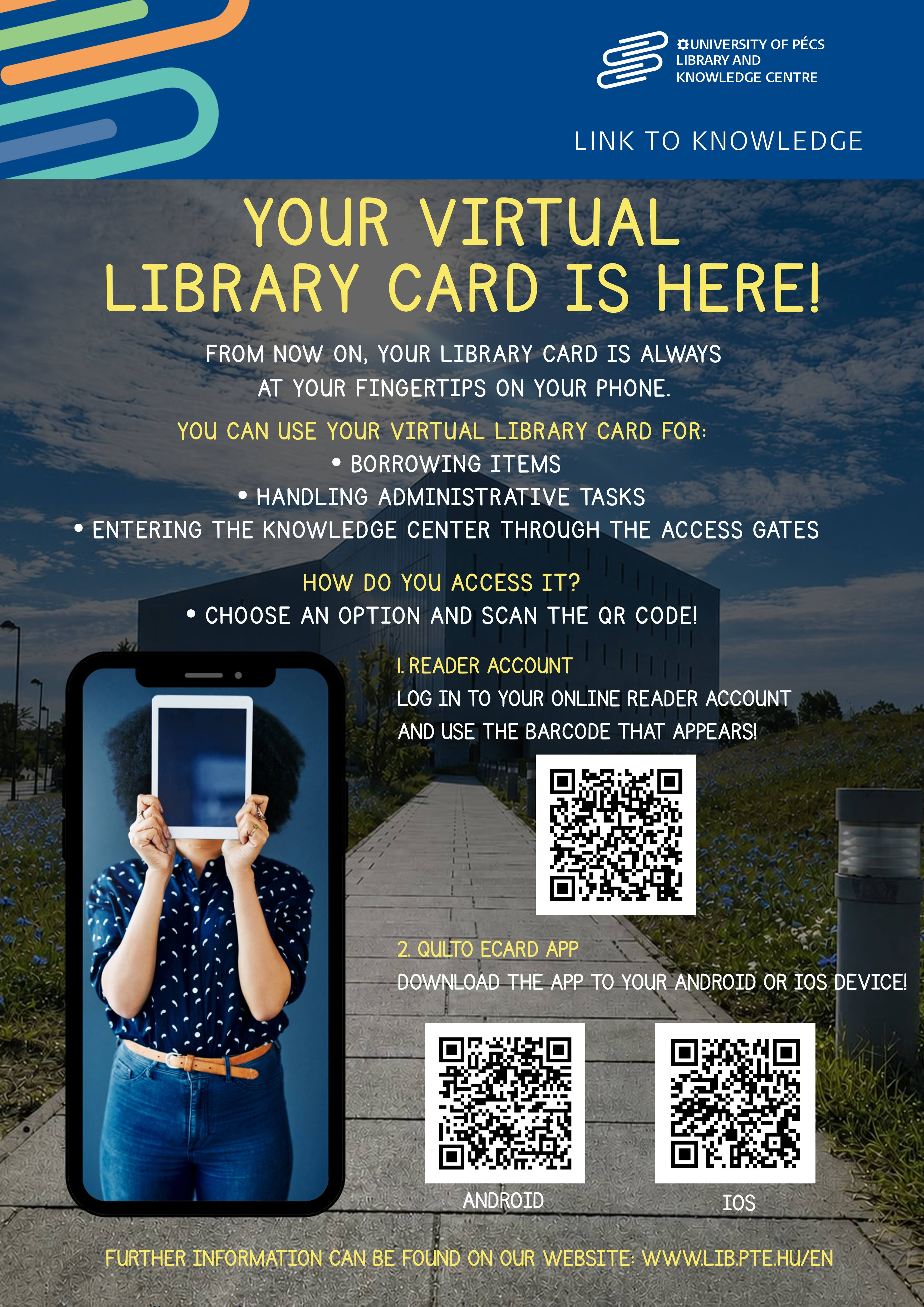
The university library is introducing a new digital service designed to make using the library even simpler and more convenient. Thanks to this development, library cards will be available in digital format in addition to the traditional plastic card.
The virtual library card can be accessed in two ways.
Virtual Library Card in the Qulto eCard App
The Qulto eCard mobile app is available for both Android and iOS devices and provides the identification required to enter the library.
- Download the app to your Android or iOS device.
- Log in using your library card ID.
- Select “Pécsi Tudásközpont (PTE – CsGyK)” as your institution. Your available library card will appear under the “Library Cards” menu item.
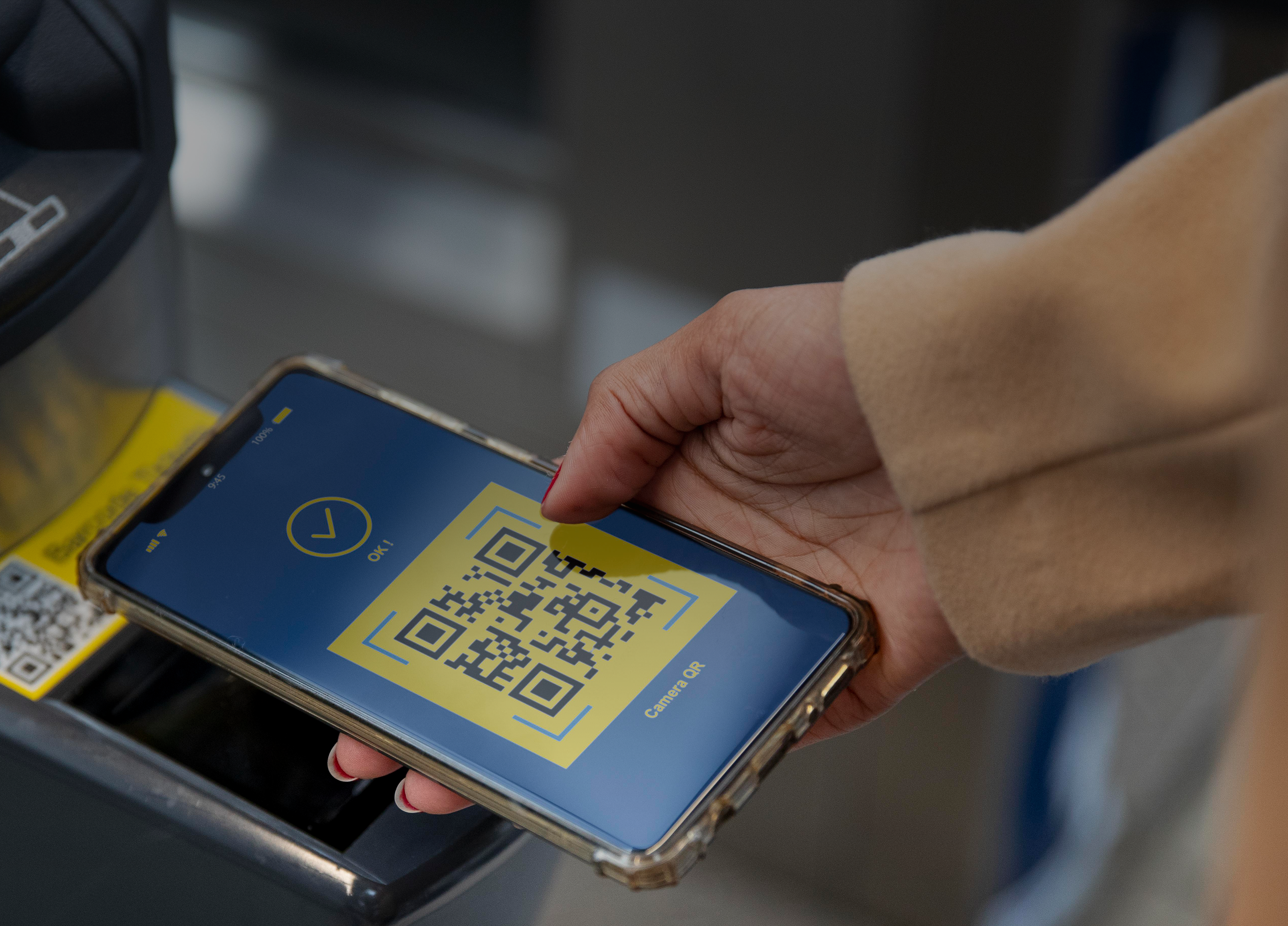
- Use the barcode displayed in the app for library entry, borrowing items, and other library services.
Virtual Library Card in Your Online Library Account
The unique barcode available in your library account can be accessed through the online interface of the library system.
- Log in to your online reader account.
- Open the “Identification” menu item.
- Use the displayed barcode for library entry, borrowing items, and other library services.
The Privacy Notice of the PTE University Library and Knowledge Centre is available here.