News
ClinicalKey database is available again!
more >>>
Bookscanner trial period in the Knowledge Centre
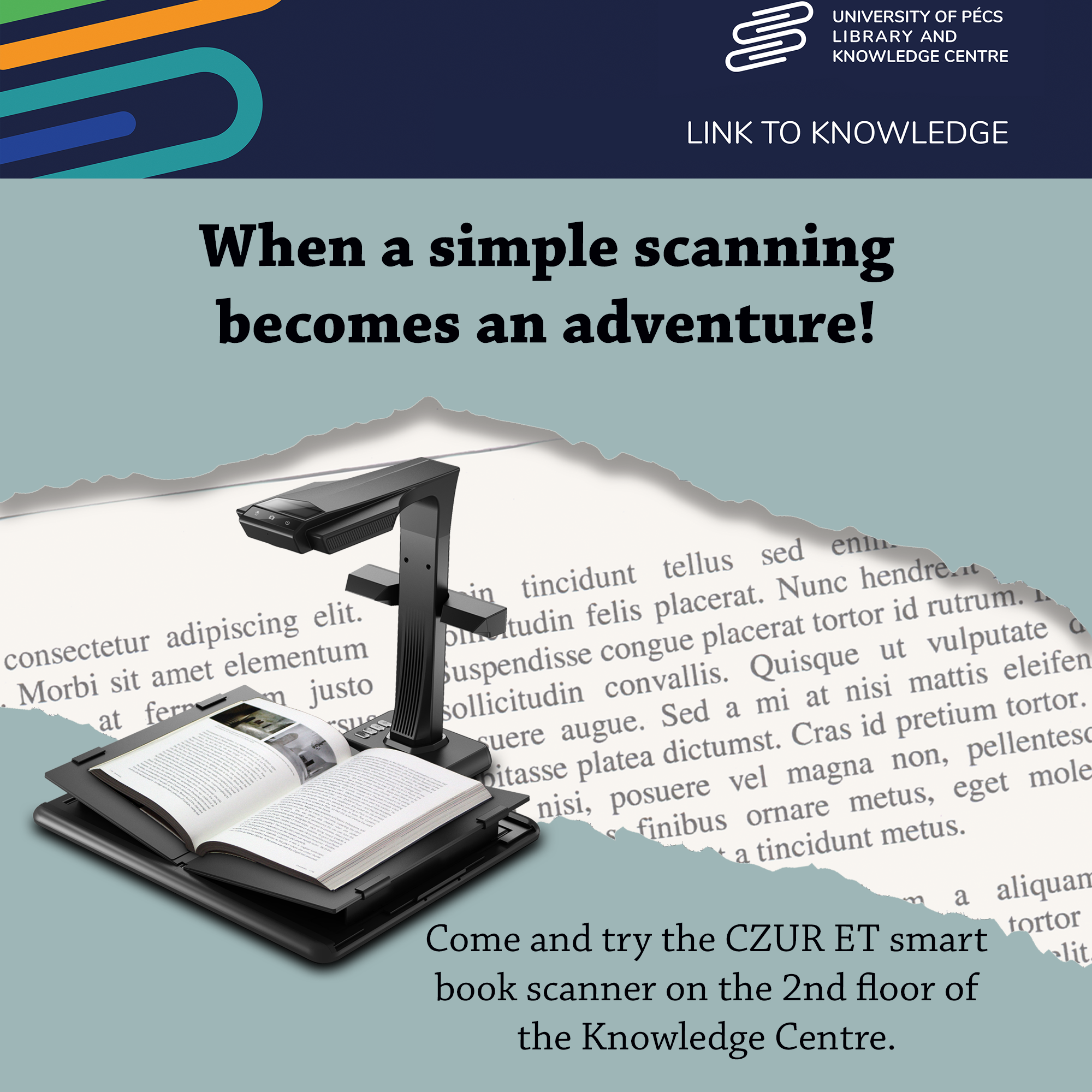
When a simple scanning becomes an adventure!
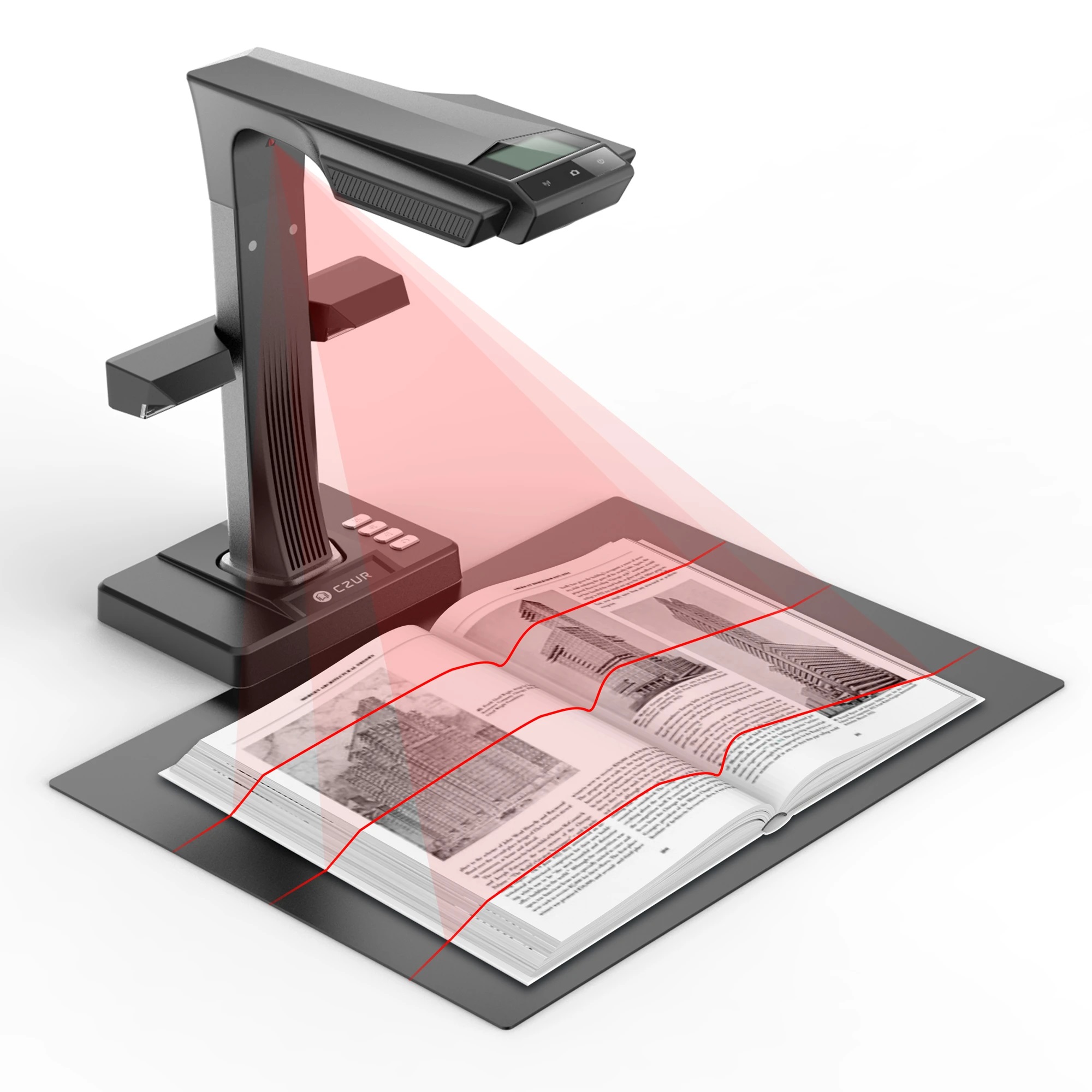
Come and try the CZUR ET smart book scanner on the 2nd floor of the Knowledge Centre.
Scan two pages of an open book or one page of a document at 1.5 seconds per page with high quality and without having to stretch the spine of the book on the glass sheet.
The software automatically straightens the curve of the pages after laser scanning.
All scanned documents can be converted and edited in Word, PDF, TIFF and Excel formats thanks to the OCR function.
During the trial period from March 29 to April 19 2023, the scanner is free to use.
Thank you, Tripont Ltd. for providing free use of the device to the University of Pécs Library and Knowledge Centre!
How to use
the self-service scanner
1. Log in with your reader data! (bar code on your library card + password)
2. Start the scanning program!
3. Switch to the scanning interface using the "Scan" button!
4. Place the document you want to scan!
5. By selecting the "Auto scan" function, the machine will automatically scan new pages by detecting page turning.
6. When you're done scanning, go back to the home page, where you can select the pages you want to format and save.
7. Choose the format (Word, Excel, PDF, TXT or TIFF) and save!
8. You can copy the finished document to your own media or send it to yourself by e-mail.
Tutorial video: https://www.czur.com/support/et24&25pro#video
more >>>
Invitation to our new exhibition
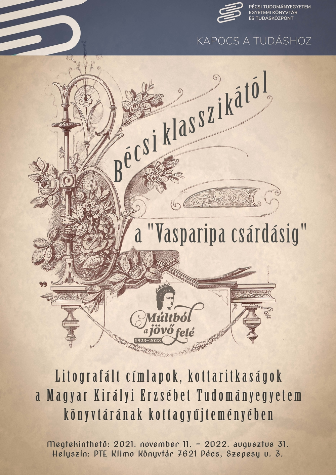
You are warmly invited to the opening of our new temporary exhibition entitled From Viennese classical music to the “Dance of the Iron Horse. Lithographed cover pages and sheet music rarities from the collection of the Elizabeth University Library” that starts at 2 pm on Thursday, 11 November, 2021.
more >>>
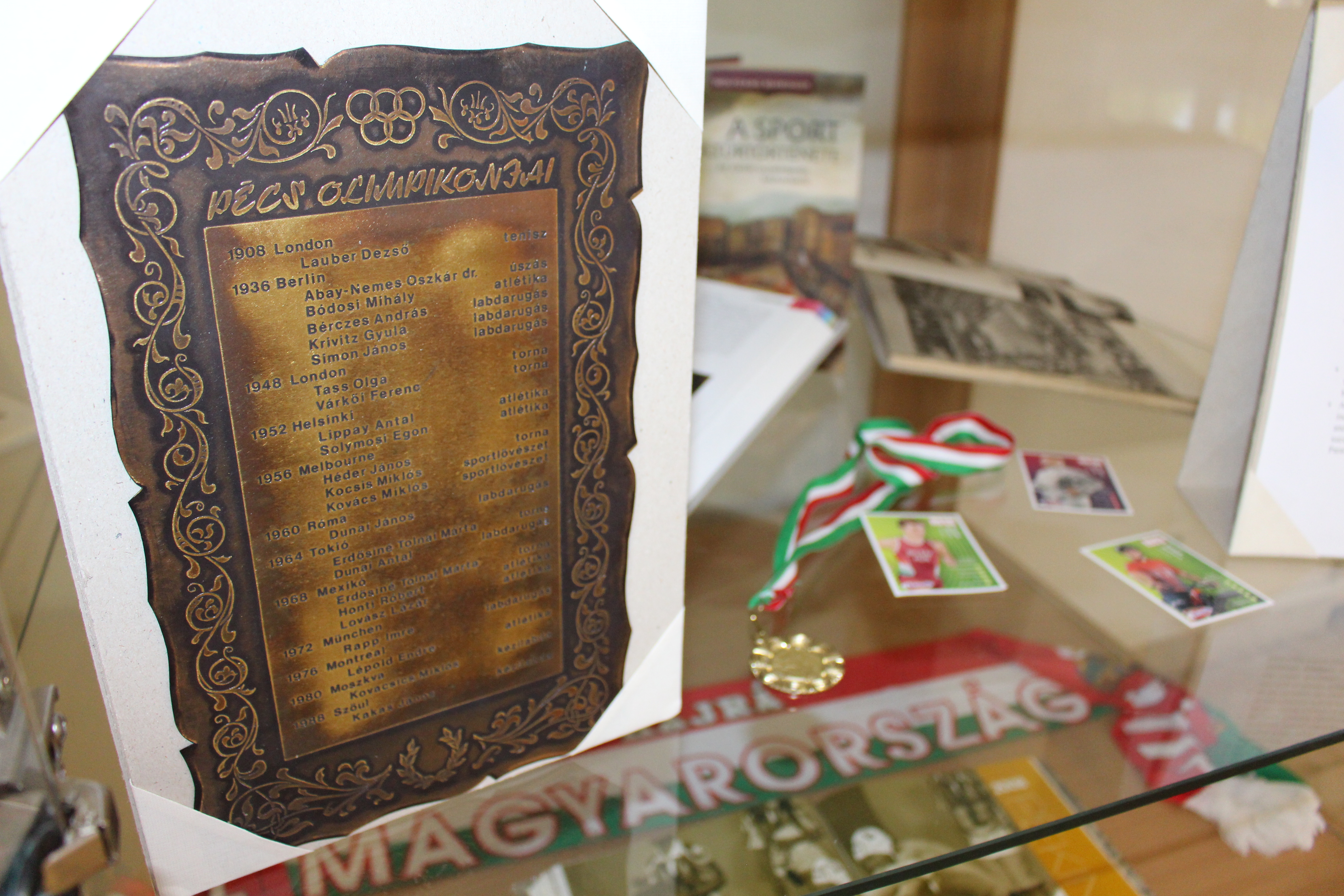
Vitrine exhibition I Tokyo 2020 I Fun facts about the Olympics
The Tokyo 2020 Olympic Games – planned for 2020, but to be held in 2021 – can be considered the “first” in many aspects. We collected some of the most interesting fun facts to you!